Why LinkedIn Is a Great Starting Point
Think about it: you've already written your work history on LinkedIn. Job titles, companies, dates, descriptions — it's all there.
You've probably spent more time perfecting your LinkedIn profile than any single resume. It gets updated when you change jobs. It has recommendations. Skills endorsements.
So why start from scratch when you make a new resume? Your LinkedIn profile is a goldmine of career data waiting to be formatted.
The LinkedIn PDF Export (and Why It Falls Short)
LinkedIn has a built-in export feature. Go to your profile, click "More," then "Save to PDF."
People often describe this as “download CV from LinkedIn”. It works in a pinch, but it’s not really a resume you can use everywhere.
Simple, right? Unfortunately, the result is... not great:
Ugly formatting — It looks like a LinkedIn profile printed on paper
Includes junk — Connection counts, profile URLs that waste space
Not ATS-friendly — The layout can confuse applicant tracking systems
Not editable — It's a PDF. You can't tailor it without retyping everything
For a quick reference doc? Fine. For actually applying to jobs? You need something better.
Better Ways to Create a CV from LinkedIn
Option 1: Manual Copy-Paste
Open LinkedIn in one tab, Word document in another. Copy your experience section by section. Format as you go.
This works, but it's tedious. You're doing the same work you'd do generating a resume from scratch, just with LinkedIn as your reference.
Option 2: Third-Party Resume Builders
Some resume tools let you import from LinkedIn. Quality varies wildly. Many just do a slightly prettier version of the PDF export. Some require you to upload your LinkedIn data file (which LinkedIn makes intentionally hard to find). This is basically extracting CV from LinkedIn with extra steps.
Option 3: AI-Powered Extraction
The best approach: tools that understand your LinkedIn data and intelligently restructure it into a proper resume format. Not just reformatting — actually parsing your career information and presenting it professionally. If your goal is to make a resume from LinkedIn without losing your mind, this is the path.
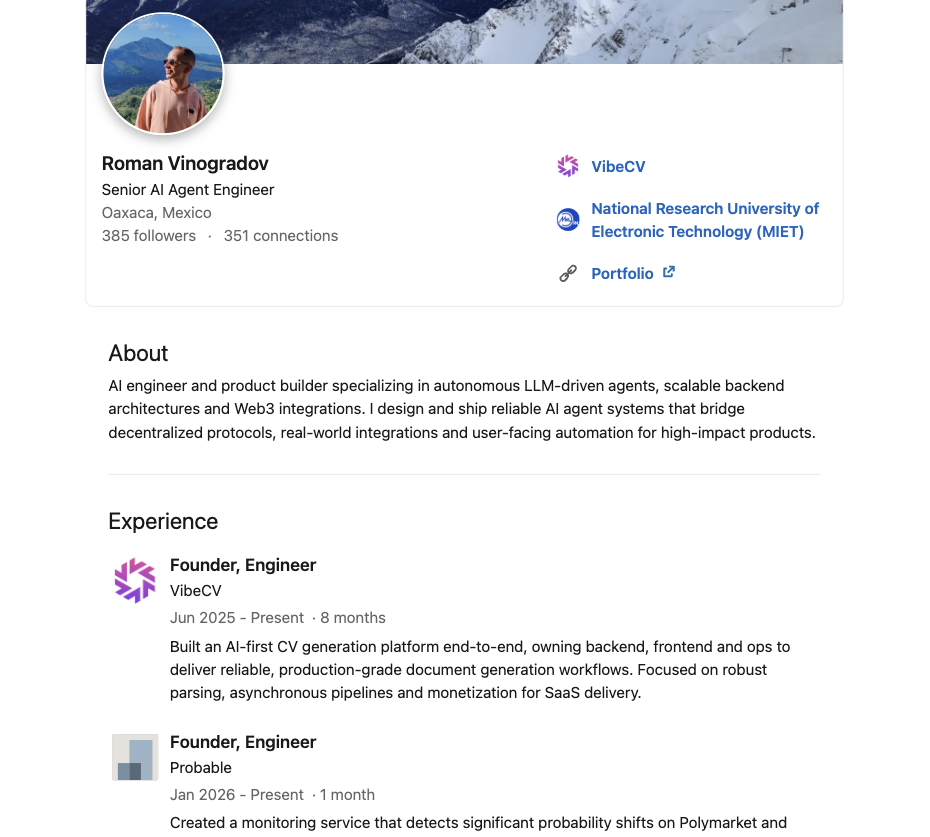
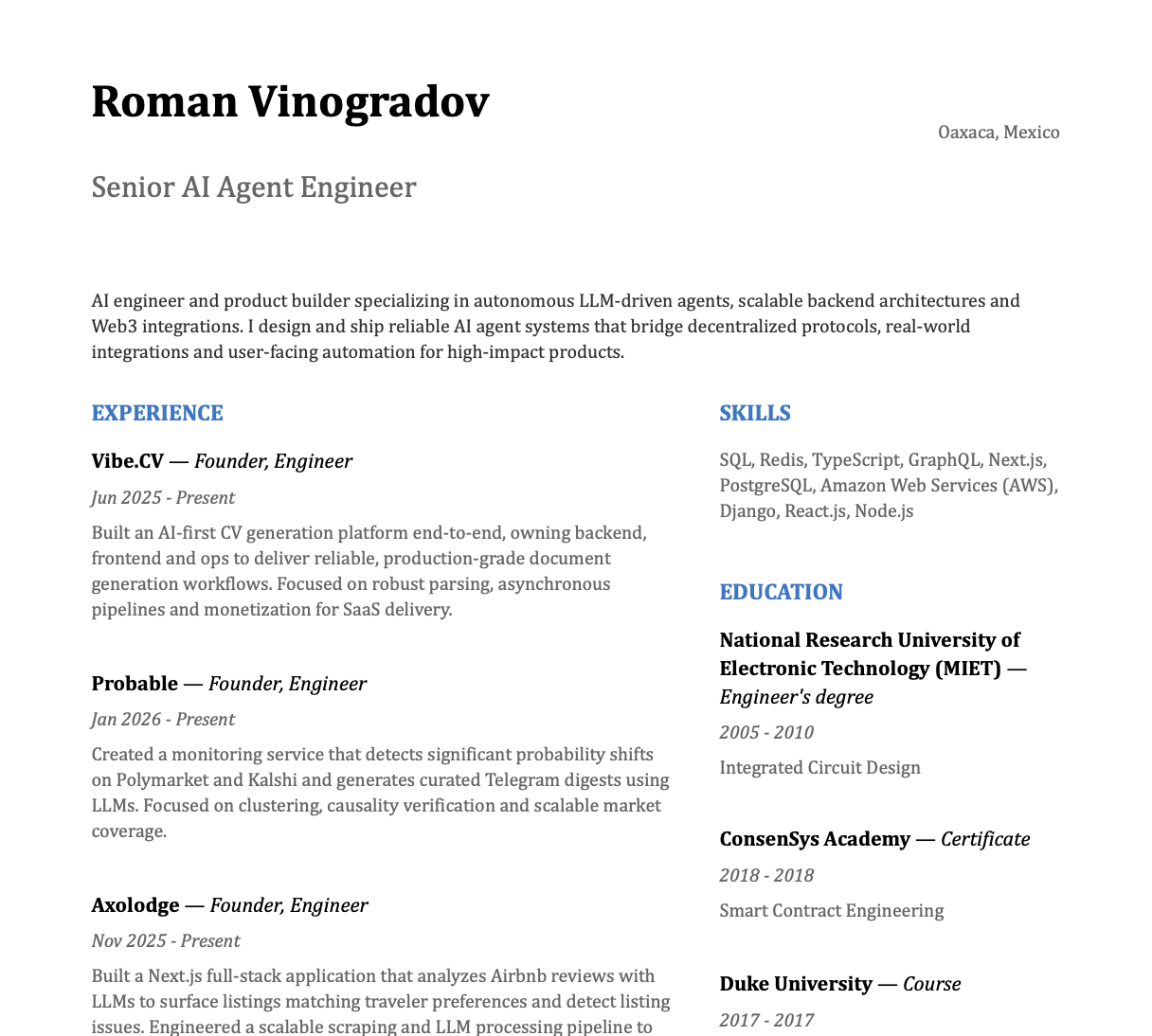
See the Transformation
From LinkedIn profile to professional CV in seconds
LinkedIn Profile
Generated CV
What to Improve After Importing
Your LinkedIn profile and your resume have different jobs. LinkedIn is for networking and being discovered. A resume is for applying to specific jobs.
After you generate a resume from LinkedIn, you'll likely want to:
Add quantified achievements
LinkedIn summaries tend to be vague. "Managed team" becomes "Managed team of 8, delivering 3 product launches in 12 months"
Tailor for specific roles
Emphasize what matters for this job, not your whole career. Learn how to tailor your resume.
Tighten the formatting
One or two pages max. Cut the fluff.
Ready to turn your LinkedIn into a job-winning resume?
VibeCV imports your LinkedIn profile and generates an ATS-friendly CV you can actually edit. Word document, ready in 30 seconds.
Import from LinkedInOnce you have the base version, tailor it to each job description to maximize your chances.